Installation
Requirements
- REAPER with JSFX support.
- macOS, Windows or Linux version of REAPER.
- The file
ziviSpaceEcho.jsfx.
No external plug-in format, installer, package manager or online runtime is required.
Install
- Download:
-
Open REAPER.
-
Choose:
-
Open the
Effectsfolder. -
Copy
ziviSpaceEcho.jsfxinto theEffectsfolder. -
Restart REAPER or refresh the FX browser.
-
Search for:
Installation check
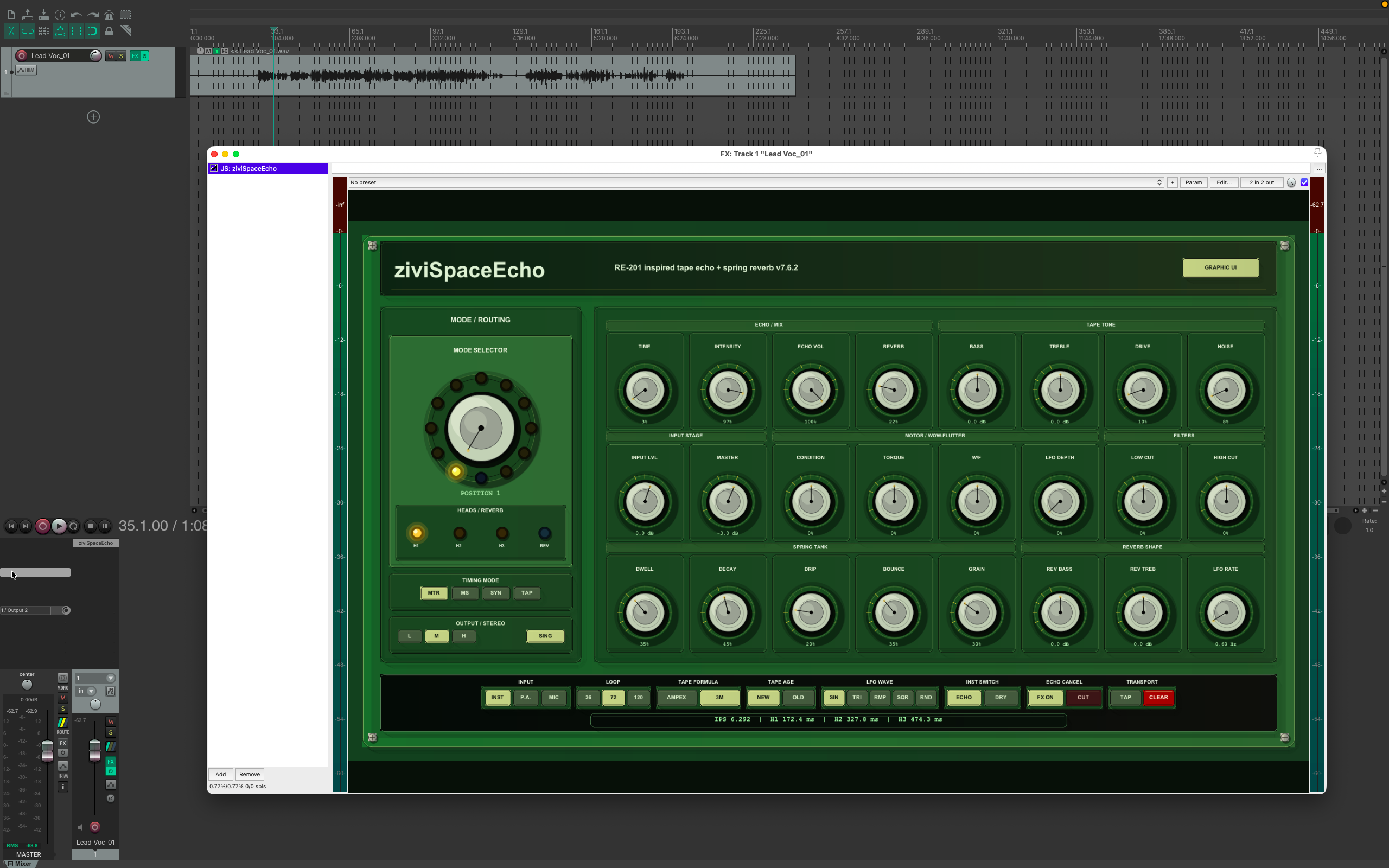
After loading the plugin, confirm:
- audio passes through;
- the graphic interface appears;
- the mode selector changes head/reverb routing;
Echo Cancelbypasses the effect branch;- position 12 gives reverb-only behavior;
- the mouse-only editor opens when clicking numeric values.
Troubleshooting
The plugin does not appear
Try:
- refresh the FX browser;
- confirm the file extension is
.jsfx; - confirm the file is inside REAPER's
Effectsfolder`; - restart REAPER.
The graphic UI does not show
Use the plugin's UI Mode slider or REAPER's native UI option.
Keyboard shortcuts interfere with editing
Use the mouse-only modal editor. Do not use the physical keyboard for parameter entry.
A project must remain locked to an older sound
Keep the versioned JSFX file used in that project. For new work, use the current stable file.